Greenpois0n is a jailbreaking tool for iOS 4 devices.
Use the buttons below to download the Greenpois0n app on your computer.
How to Install Greenp0is0n:
- Download the Greenpois0n app for Mac or Windows from the download links above
- Unzip the files to your desktop and then click on the Greenpois0n application to open it
- Plug your iOS device into your computer and ensure the device is turned off completely.
- Close iTunes if it shows up.
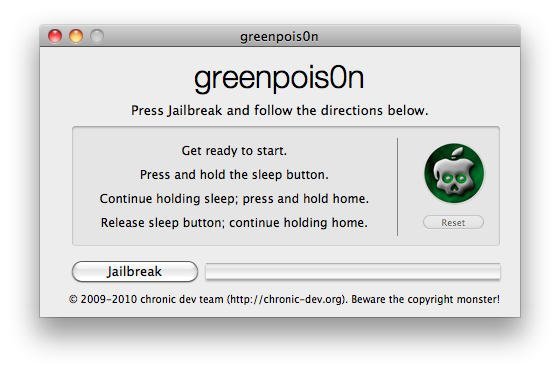
- On the Greenp0ison screen on your computer, click on the Jailbreak button

- You will now see some instructions on the screen on placing your iOS device into DFU mode. ( See this video )
- Hold down the Sleep button on your device for 3 seconds, then press the Home button down too and hold them both down for 10 seconds
- Release the Sleep button and continue holding the Home button for 15 more seconds. It might take a few attempts to get this right, but you should see your device go into DFU mode
- Now the jailbreak will start, so leave your iPhone and the computer alone while it completes.
- Some codes will appear on your device screen along with the Greenpois0n logo.

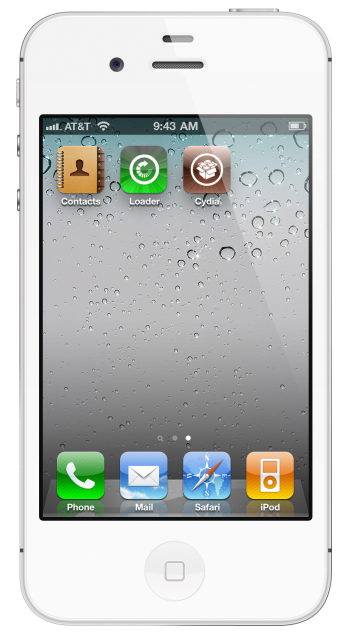
- When the jailbreak process has finished, close the Greenpois0n application on your computer and look on your iPhone homescreen for the green Loader icon.
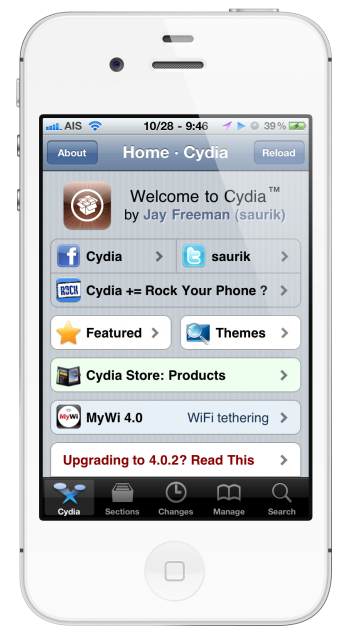
- Tap the Loader icon to complete the process of installing Cydia
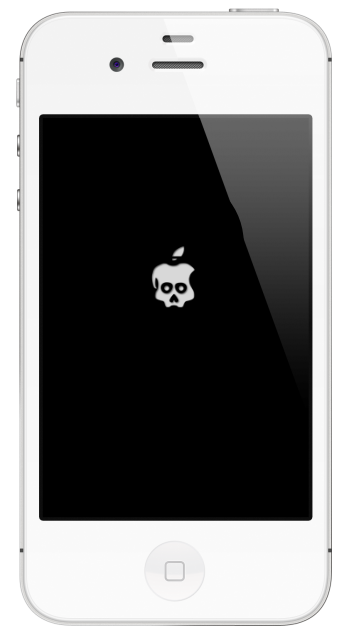
How to Remove GreenPois0n Boot Logo:
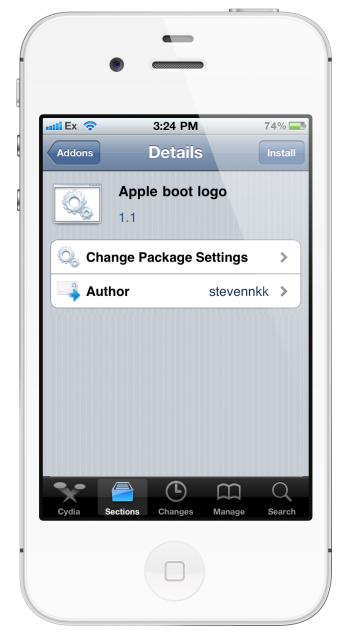
- Launch Cydia and Search for Apple Boot Logo
- Install the tweak and respring your device
- Now go to the Settings app on your iPhone and then BootLogo > Apple Logo
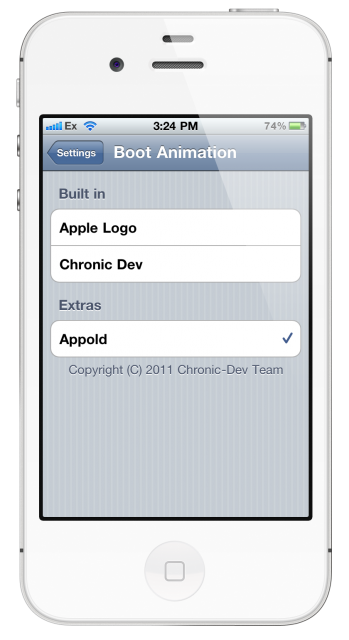
This will change the boot logo back to default Apple. You can change it back at any time and reboot your device to confirm.
Frequently Asked Questions:
- What is Greenpois0n?
Greenpois0n is a jailbreaking tool created by the ChronicDev Team that can jailbreak your iPhone using a Mac or Windows computer. Greenpois0n jailbreak works for iPhones, iPods, and Apple TV running the latest iOS 4 firmware. Greenpois0n is based on a Boot ROM exploit that cannot be patched by iOS updates.
- Is Greenpois0n Jailbreak Untethered?
Yes, Greenpois0n jailbreak is an untethered jailbreaking solution for iOS 4 devices. This means that you dont need to rejailbreak your device after you reboot your iPhone.
- Does Greenpois0n work on Windows 10?
Yes, the new Greenpois0n RC6 release works on the latest Windows 10 operating system. You can also use Windows Compatibility mode if it throws an error message.
User Ratings: