Is your iPhone locked to a specific carrier? This means that, unless you unlock it, you cannot use it with any other carrier. And that is quite limiting.
Some users might want to change carrier, others like to travel around and need different carriers for different regions. Whatever your reason, unlocking your iPhone is quite simple to do.
How to Unlock your Carrier Locked iPhone:
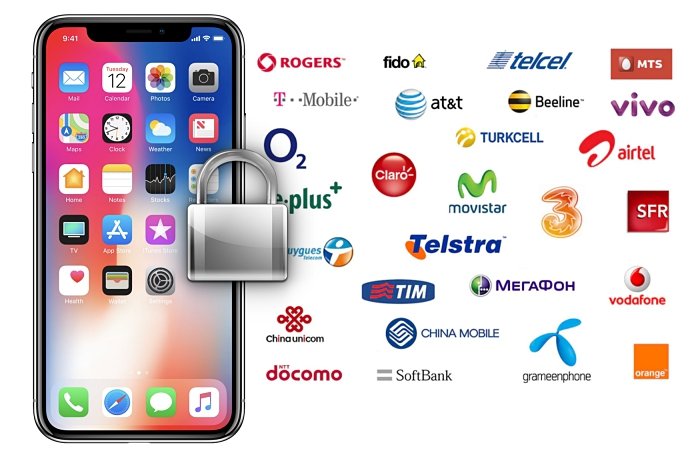
Because your iPhone is locked to a carrier, only that carrier can unlock it. Apple cannot do this so don’t waste time asking them.
There are certain conditions that must be met for an iPhone to be unlocked:
- It must not be on a first contract. When you purchase your iPhone with a contract, the cost of the device is spread over the term of the contract. Until that contract is satisfied, your iPhone cannot be unlocked.
- Your iPhone must be owned by you and fully paid for
- It must not have been reported as stolen, lost or blacklisted in any way.
If you purchase your iPhone second-hand, you will need to contact the seller to make sure there is no outstanding contract or is still active under their name.
- The first step is to contact your carrier. Not all carriers will offer an unlocking service and some make a charge if they do.
- If your iPhone is eligible for unlocking and it meets all the requirements, your request may take a few days to complete. You can contact your carrier for an update on this.
- Once you receive confirmation that your iPhone is unlocked, move on to the next steps.
You will need a SIM card from a different carrier:
- Take your old SIM card out and put in the new one
- Restart your iPhone and set it up again
If you don’t have a SIM card to hand:
- Back your iPhone up and then erase the device
- Restore your iPhone using your new backup.
See how easy it is? But what if something goes wrong?
Getting Help:

After inserting a new SIM card, you might see a message on your device or in iTunes telling you that the SIM card isn’t supported. You must ensure that you have a supported or valid SIM card. If you see this message, do the following:
- Back your data up
- Do a factory restore on your device
- Contact your carrier to check they did the unlock
- Restore using your recent backup
Unlocking an iPhone is not hard to do; it just requires a little time and patience. Let us know if you cant get yours unlocked and follow us on Facebook for a regular supply of tips and tricks.
Tengo un iPhone comprado en Amazon y cuando lo restaure perdió la liberación q trajo averigüe y la compañía telefónica original es NTT Docomo Japón y quisiera libera nuevamente mi celular soy de Venezuela ayuda
English Translate : I have an iPhone purchased from Amazon and when I restored it, it lost the release that it brought to find out and the original telephone company is NTT Docomo Japan and I would like to release my cell phone again I am from Venezuela help